The question every smart opener answers
"Did I close the garage door?"
It's the thought that arrives ten minutes down I-94, or as the plane starts to taxi. Before smart openers, the only answers were turning around or phoning a neighbor. Now you look at your phone.
That single feature is why most people want one. The rest — remote control, alerts, schedules, access for guests — follows naturally from having the door connected. None of it is complicated to use once it's set up. Getting it set up, on a door that's mechanically sound and a Wi-Fi signal that actually reaches the garage, is where we come in.
What a smart opener can do
- Check status
- See whether the door is open or closed, from anywhere with a phone signal.
- Open and close remotely
- Operate the door from the app. The opener sounds a warning and flashes its light before an unattended close.
- Alerts
- A notification when the door opens, closes, or has been left open longer than a time you choose.
- Automatic closing
- Set the door to shut after a number of minutes, or at a certain time each night.
- Activity history
- A log of when the door was used, and with some systems, by whom.
- Guest access
- Give family, a neighbor or a contractor their own access, permanently or for a set period.
- In-garage delivery
- Some services can open the door for a parcel and close it afterward, where available.
- Voice assistants
- Many units can report status or close the door by voice. Opening by voice usually requires a PIN.
- Camera
- Some openers have a built-in camera, or one can be added, so you can see as well as know.
- Vehicle integration
- Certain cars can show and control the door from the dashboard.
Two ways to get there
A new smart opener
Most current openers above entry level have Wi-Fi built in. If your existing unit is more than ten or twelve years old, loud or missing features like battery backup, replacing it gives you everything in one tidy package with a single app.
A retrofit controller
If your opener is fairly recent and in good condition, an add-on controller can make it smart. A small hub connects to your Wi-Fi and to the opener; a sensor on the door reports whether it's open or closed. It's economical and works well with many openers made in the last couple of decades.
Compatibility is the catch. Some openers use proprietary wall-control signaling that needs a specific adapter, and very old units lack the safety features that remote closing requires. We'll check yours and tell you which route is sensible.
The opener is old, noisy, lacks photo-eyes, or you also want battery backup, quiet operation and an integrated camera.
The opener is under ten years old, has working sensors and you're happy with how it runs.
What has to be in place
Smart features sit on top of the basics. Before any of it will work reliably, three things need to be right.
The door. Remote operation means nobody is standing there watching. The door has to be balanced, travel freely, and reverse properly every time. We check all of that first.
The safety sensors. Photo-eyes must be present, aligned and working. Unattended closing isn't permitted without them.
The Wi-Fi. This is the one that catches people out. Garages are often at the far end of the house from the router, behind an insulated wall and a steel door. Most openers use the 2.4 GHz band, which travels further than 5 GHz but still has limits. We test the signal at the opener's location before we start. If it's weak, a range extender or a mesh node near the garage usually solves it.
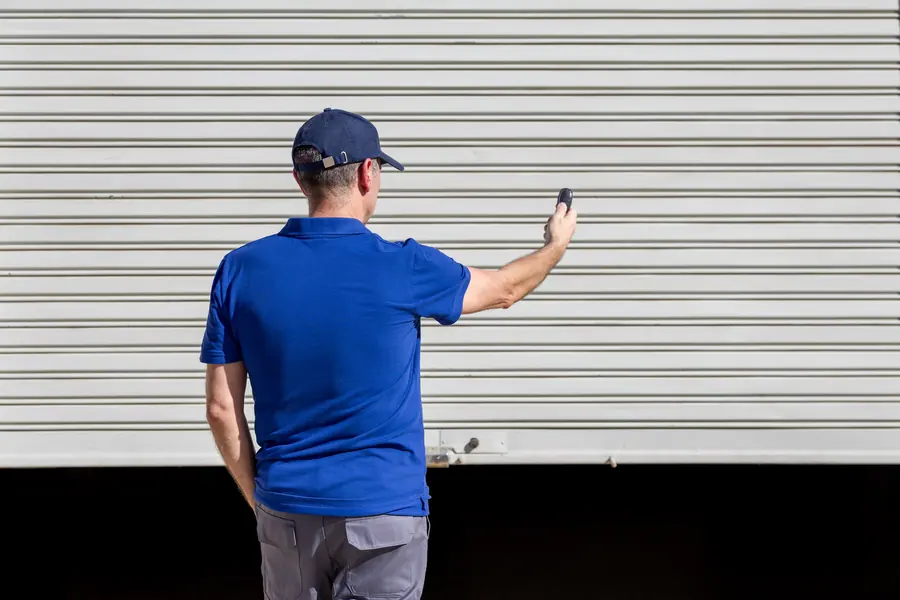
Our installation process
- Assess the door and existing openerBalance, hardware, sensors and compatibility.
- Test the networkSignal strength at the motor unit's position.
- Install or retrofitA new opener is installed as described on our installation page, or the add-on controller and door sensor are mounted and wired.
- Set travel, force and sensorsThe same safety setup and reversal tests as any opener.
- Connect to Wi-FiThe unit is joined to your home network.
- Set up the app with youAccount created on your phone, door named, and tested from inside and then from mobile data to prove it works away from home.
- Add usersFamily members invited to share access.
- Configure alerts and schedulesLeft-open warnings, a nightly close, whatever suits your routine.
- Link extrasVoice assistant, vehicle or camera, if you use them.
- Explain the fallbacksRemotes, keypad and the manual release all still work if the internet doesn't.
We don't leave until you've opened and closed the door from your own phone.
Privacy and security, plainly
People are right to ask whether putting the garage door on the internet is safe.
The link between the app and the opener is encrypted, and the opener's radio remotes use rolling codes that can't be replayed. In practice the weak points are the ordinary ones: a reused password, a shared login, an old phone that's still signed in.
Our advice is straightforward.
- Use a strong, unique password for the opener's account
- Turn on two-factor authentication if the app offers it
- Give others their own guest access instead of sharing your login
- Remove access for people who no longer need it
- Keep your home Wi-Fi password private and your router's software up to date
- If the opener has a camera, decide where it points and who can view it
Handled that way, a smart opener is at least as secure as a traditional one — and it has the advantage of telling you when the door has been opened.
Common problems and how they're solved
- The app says "offline." Nearly always Wi-Fi. A weak signal, a changed password or a new router. Improving the signal or reconnecting fixes it.
- Alerts arrive late. Phone notification settings or battery-saving modes delaying the app.
- The door won't close from the app. The photo-eyes are obstructed or misaligned. The opener refuses an unattended close without them.
- The door status is wrong. On retrofits, the tilt sensor's battery is low or it's shifted on the door.
- The car's buttons stopped working after an upgrade. A compatibility bridge may be needed.
We sort these out at installation where possible and are happy to return if something changes later.
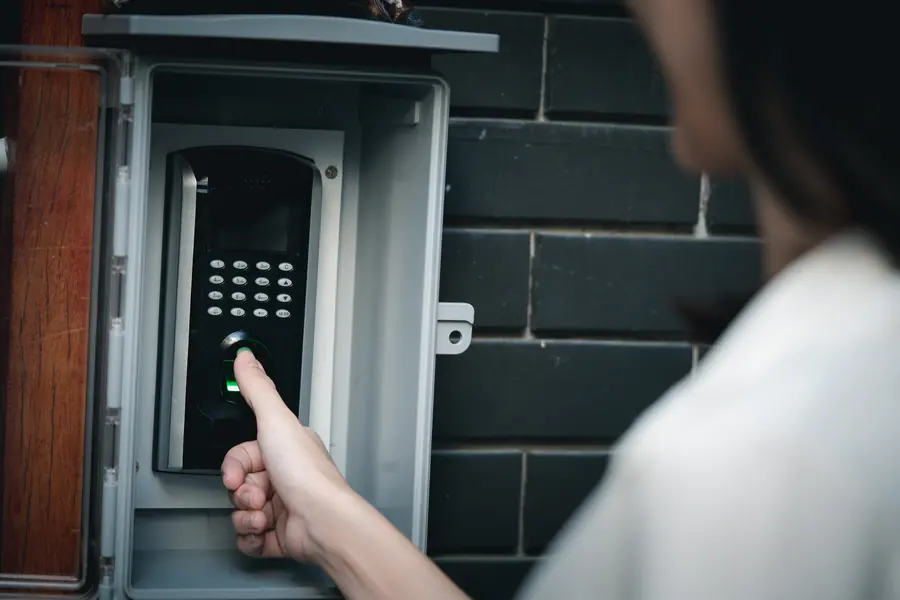
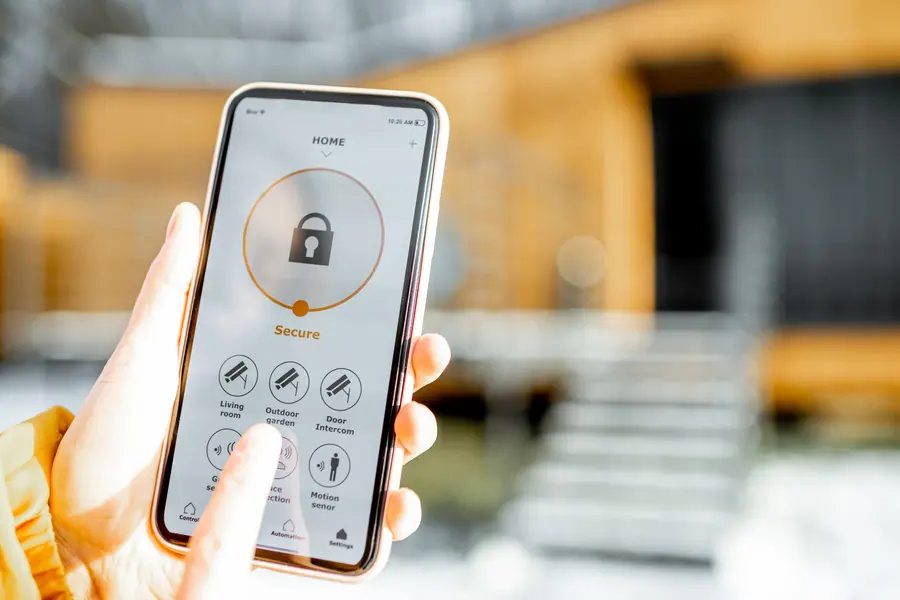 BEFOREAFTER
Before & after
A dated entry keypad compared with a phone app showing the door secured
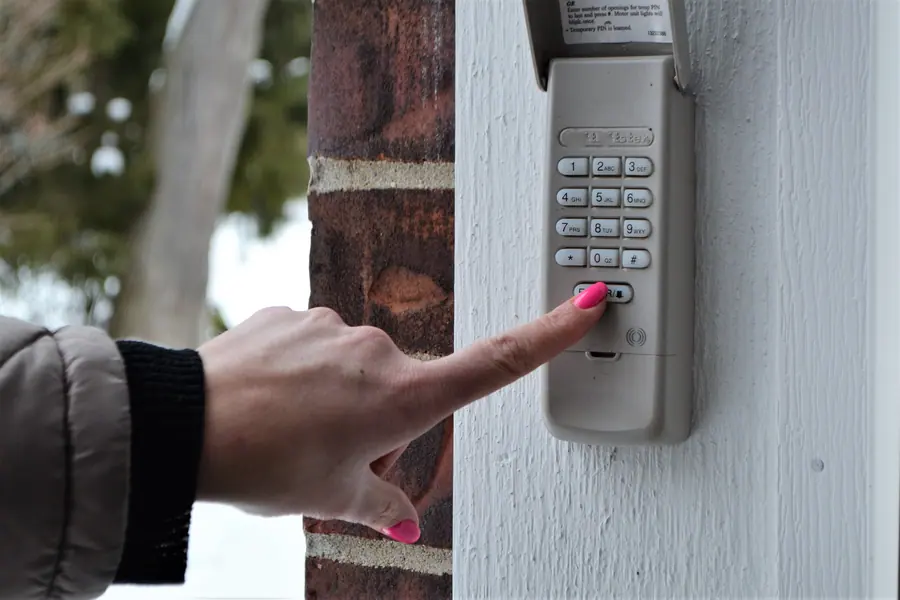
The "before" image shows a hand pressing buttons on an older entry keypad. It represents how access has traditionally been managed: a code that everyone in the family knows, that's been given to a few too many people over the years, and that tells you nothing about whether the door ended up open or shut.
The service illustrated is a smart opener installation — a connected opener or retrofit controller installed, linked to the home network, and set up on the owner's phone with alerts and shared access.
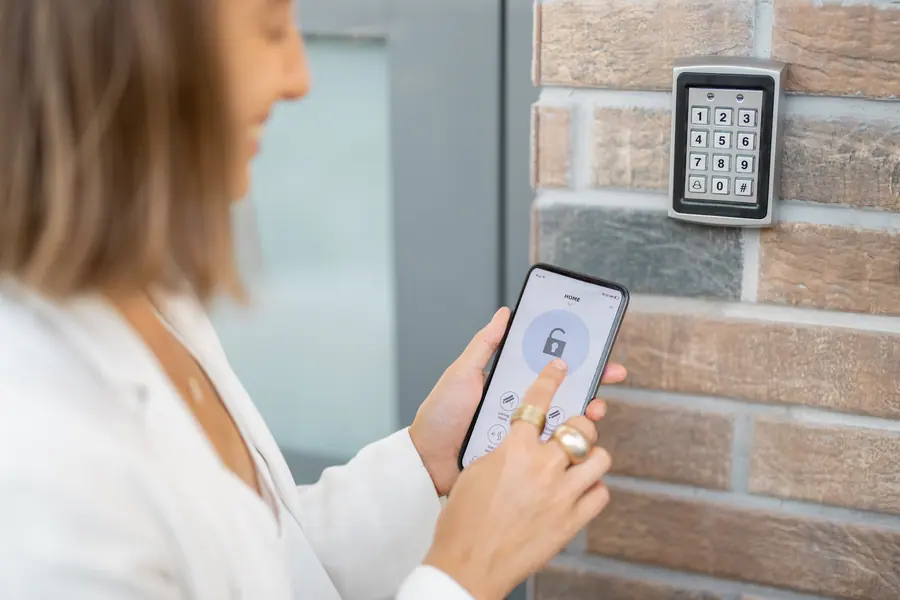
The "after" image shows a phone displaying a clear locked-and-secure status. That's the practical change. The owner can confirm the door's state from anywhere, close it if it was forgotten, see when it was last used, and grant or withdraw access for individuals without changing a code on the wall.
Illustrative exampleThese two photographs are licensed reference images chosen to show the kind of change this service makes. They are not a record of one specific Delafield Garage Door job.
Smart features that earn their keep in Wisconsin
Some of what a smart opener does is convenience. In our climate, a few features are closer to protection.
Left-open alerts. An attached garage door left open on a January night drops the garage to outdoor temperature in minutes. Rooms above get cold, and any plumbing in the garage walls or ceiling is at risk. A phone alert after ten minutes prevents that.
Automatic close. Even better, the door shuts itself.
Remote checks during storms. When the wind is howling off the lake and you're not home, you can confirm the door is down.
Battery backup pairing. Many smart openers include a battery. If the power fails in an ice storm, the door still works at the wall and the remotes, and the app resumes when the internet returns.
Access while you're away. Plenty of people around Delafield head somewhere warmer for part of the winter, or keep a lake place they don't visit every week. Being able to let in a plumber, a neighbor or a snow-removal crew, and to see that the door closed behind them, takes a worry off the list.
Cold and connectivity. Electronics in an unheated garage are designed for the temperature range. Batteries in door-mounted sensors drain faster in deep cold, so we suggest checking them each fall.
Why have a professional install it
Much of a smart opener's setup is on a phone, and plenty of people could manage that part. What's easy to skip is the groundwork: confirming the door is safe to operate unattended, placing and aligning the sensors, testing the reversal, and making sure the signal is strong enough to stay connected.
We also know which retrofit devices work with which openers, which avoids buying something that won't pair. And we stay to make sure every phone in the household is connected and everyone knows what to do if the internet drops.
Smart opener questions
Can my existing opener be made smart?
Often, if it was made in roughly the last twenty years and has working photo-eyes. Compatibility varies by brand and model; we'll check before recommending a retrofit.
Does a smart opener still work if the Wi-Fi goes down?
Yes. Remotes, the wall control and the keypad work as usual. Only the app features pause until the connection returns.
Is there a monthly fee?
Core features on most systems are free. Some extras, such as extended video history or certain integrations, may carry a subscription set by the manufacturer.
Is it safe to close the door when I can't see it?
Smart openers sound and flash a warning before an unattended close and rely on the photo-eyes to stop the door if anything is in the way. That's why we test those systems carefully.
Will it work with my voice assistant?
Many do for status and closing. Opening by voice is usually protected by a PIN. Supported platforms depend on the opener brand.
My garage has poor Wi-Fi. Is that a problem?
It needs addressing, and it usually can be with an extender or mesh node. We test the signal first so there are no surprises.